Know what your clients are going through between sessions, without adding hours to your week.
Clients chat with your AI assistant, complete check-ins, and practise skills. You monitor everything, record sessions with AI transcription, and walk in prepared.
Therapist-supervisedRisk screening on every messageGDPR compliantBuilt for HIPAA-regulated practicesTrust & Safety
No card required
See it on your own caseload
Integrates with Google Calendar, Outlook, Stripe, and supported QuickBooks Online sync
Practice-wide tools
Manage every client — including the ones not on chat.
From the client who's been with you for ten years to the one you saw yesterday, one workspace for all of them.
01
Add without sign-up
Add clients to your practice without forcing them to sign up first.
02
One place for the whole roster
Run scheduling, notes, and billing for your whole roster from one place.
03
Invite to chat when ready
Invite them to the AI portal whenever they're ready.
The care loop
A week with Citt.ai
Therapy does not stop when the session ends. Citt.ai covers the whole loop: preparation, between-session care, documentation, and safety.
01Walk in prepared
Before the session
Pre-session context does the catching up for you. Check-in trends, conversation themes, and assessment shifts are summarised before every session, so the first ten minutes go to the work, not to “how was your week?”

Since-last-session summary
Check-ins, chat themes, and assessment shifts since you last met, in one view.
Client summary from approved notes
A running picture of each client, built only from notes you have approved.
Scheduling and booking
Manage appointments with Google Calendar and Outlook sync, plus online booking.
Intake handled by Ask Citt
Send intake forms and gather history through natural conversation.
02Care continues
Between sessions
Clients chat with your practice's AI assistant on web or WhatsApp, complete check-ins and assessments, and practise skills between appointments. Everything stays under your supervision. You review on your schedule, not on call around the clock.
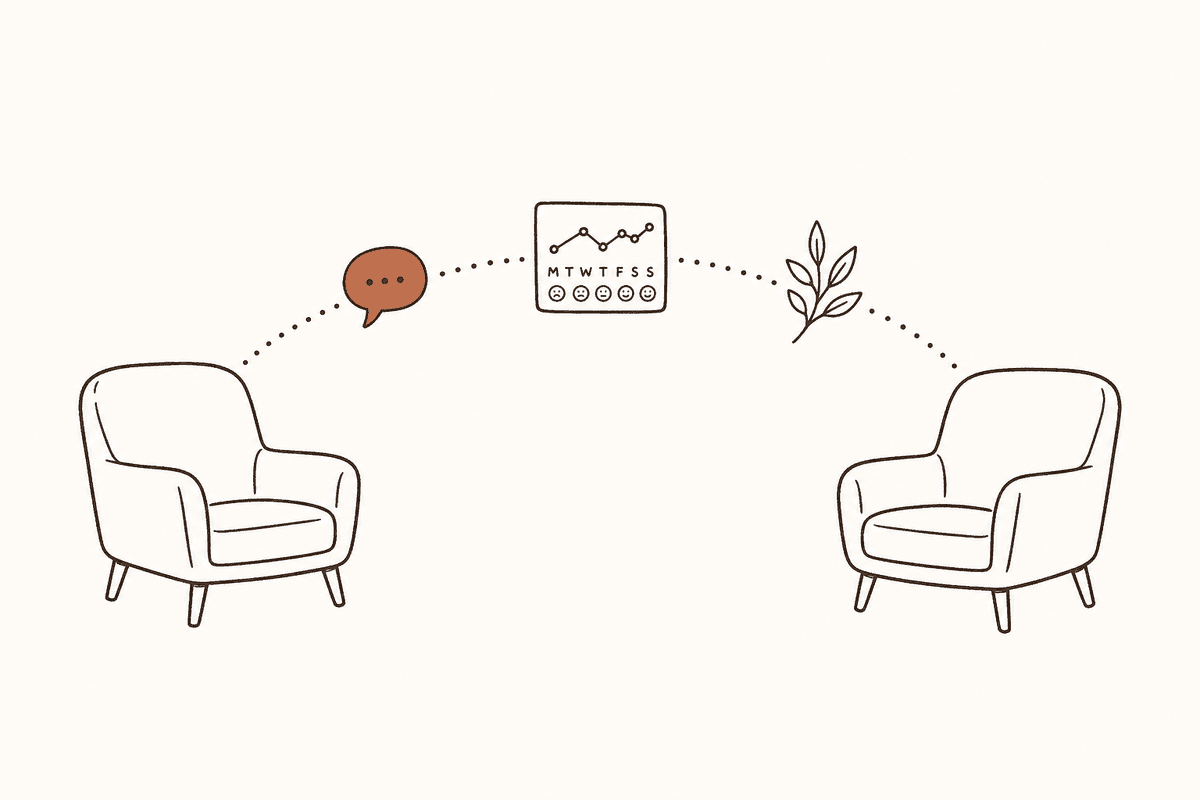
Supervised AI chat, web and WhatsApp
Clients can reach the assistant anytime. You see the full thread in your dashboard.
Check-ins and symptom tracking
Daily mood check-ins and clinical assessments including PHQ-9 and GAD-7.
Scheduled interventions and resources
Coping exercises, reminders, and educational resources sent automatically.
Your tone, your approach
Choose CBT, DBT, ACT, or mindfulness-informed styles for the assistant's responses.
03Stay present
In the room
Record or upload the session and Citt drafts the clinical note in your own template. If recording was not possible, type a short reflection and Citt drafts from that instead. Nothing reaches the chart until you approve it.

Session transcription
Accurate transcription with speaker separation.
Notes in your template
Use built-in note structures or upload your own format, so documentation matches how you already work.
Forgot to record?
Write a brief reflection and Citt drafts the note from it.
You approve every note
Drafts stay drafts until you sign them off.
04Safety underneath it all
Safety stays visible
Every client message is screened for risk before the AI responds. When a crisis signal is detected, you are alerted and the client sees crisis resources immediately. Crisis detection is tested against 600+ scenarios as part of our internal safety testing.
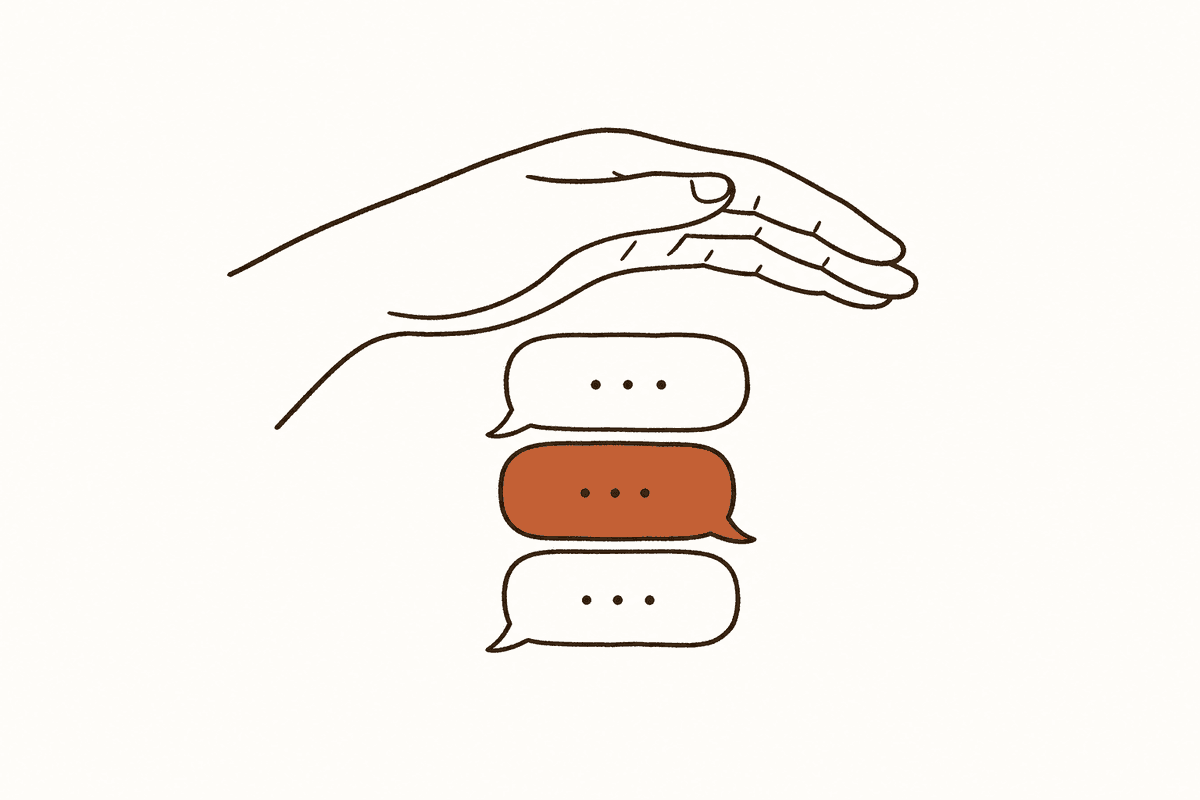
Risk screening on every message
Each message is checked before the AI replies, every time.
Crisis alerts with feedback
Review each alert and mark it accurate or a false alarm.
Privacy-sensitive by design
Encryption, access controls, and audit logs help protect client data.
You see every conversation
Full visibility into every exchange between clients and the assistant.
Practice operations
Practice operations stay in view.
- Billing and invoicing with Stripe payments, plus supported QuickBooks invoice and payment sync
- Practice analytics and client engagement tracking
- Ask Citt for intake, notes, and everyday practice tasks
Start alongside your current system
Practice owners can begin with one workflow.
Keep your existing EHR, calendar, and billing process while you introduce the Citt.ai workflow that fits first. Create the practice workspace, invite associates when you are ready, and add between-session support, documentation, or operations tools as they fit your team.
Your Practice Dashboard
See all your clients, track progress, and get insights at a glance
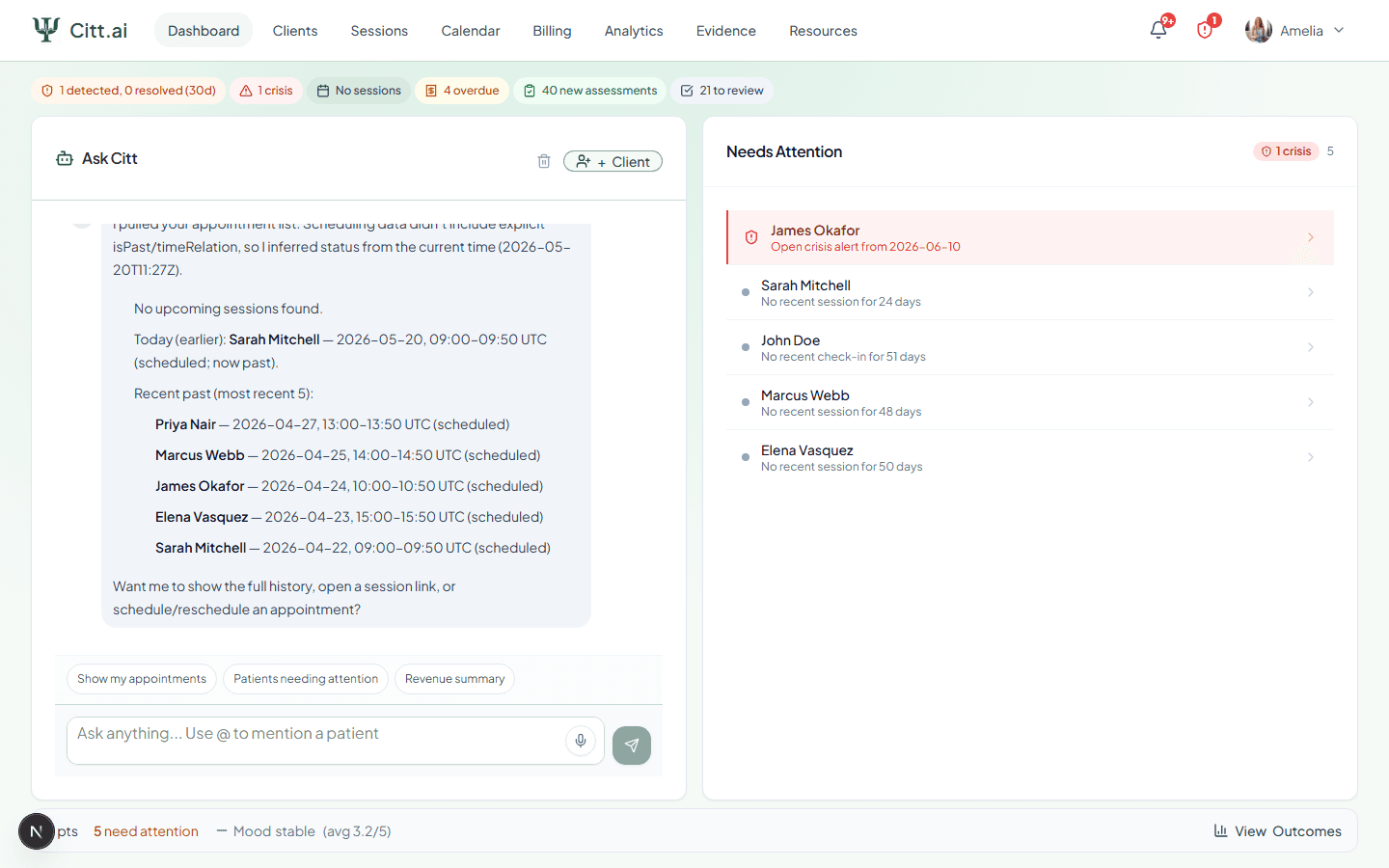
Ask Citt, client overview, quick stats, and caseload summary in one place
Fits around your practice
Keep your tools. Connect your care.
Use Citt.ai alongside your existing practice software. Explore supported import workflows for SimplePractice and other systems, calendar connections, and QuickBooks invoice export.
See connections and setup detailsSimplePractice · TheraNest · Sessions Health
Cliniko · Heidi · Upheal
Plus Google Calendar, Outlook, Calendly, Zoom and QuickBooks. Connection methods and supported records vary by provider.
In their own words
From the clinicians using Citt.ai
“Citt has transformed my workflows. I save about 6–8hrs per week now because everything is in one place. I’ve gotten rid of all my other SaaS tools. Plus, my clients love the fact that they have between session support. They say it sounds just like me! I can’t imagine running my practice without Citt.”

Teri Goldstone
Clinical Psychologist and Practice Owner
“Citt brings the practical side of my practice into one place: booking, recording and transcribing sessions, billing, and session summaries. The summaries are genuinely useful and save me time. I also like that the AI chat lets me stay in closer touch with clients between sessions.”

Andrew Fisher
Clinical Psychologist in Private Practice
“Citt is an incredibly well-made program, by professionals, for professionals. It has helped me streamline the time-consuming parts of running my practice, leaving more time and energy to think about my patients.”

Joshua Rubenstein
Clinical Psychologist in Private Practice
Current clinician users, quoted with permission. Time savings and tool consolidation reflect individual design-partner experiences.
Before you sign up
Questions therapists ask first
Liability, data use, and what the AI does and does not do. For full depth, see our Trust & Safety centre.
Am I liable if the AI says something wrong?
Is client data secure?
What does the AI actually do between sessions?
Is Citt.ai trying to replace me as the therapist?
Does using Citt.ai create a 24/7 duty of care?
Where can I read about HIPAA and compliance?
See what happens between sessions.
Free to start. Set up in under five minutes.
No card required